
How to Fix Sound Not Working on Your Computer If your computer has no sound, it can be really annoying. You might miss an important video call, not hear music, or get stuck in a game without sound. This audio troubles...
Learn more
How to Install Zoom and Set It Up Zoom is a helpful app for online meetings, classes, or chatting with friends. In this guide, you will learn how to install Zoom PC and setup Zoom meeting in simple steps. What Is Z...
Learn more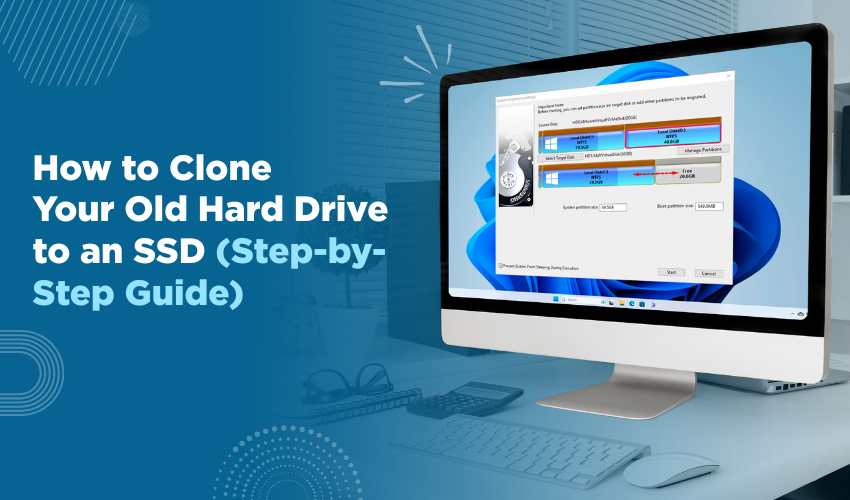
How to Clone Your Old Hard Drive to an SSD (Step-by-Step Guide) Switching to an SSD (solid-state drive) is one of the best ways to speed up your computer. It can make everything load faster, from starting your system ...
Learn more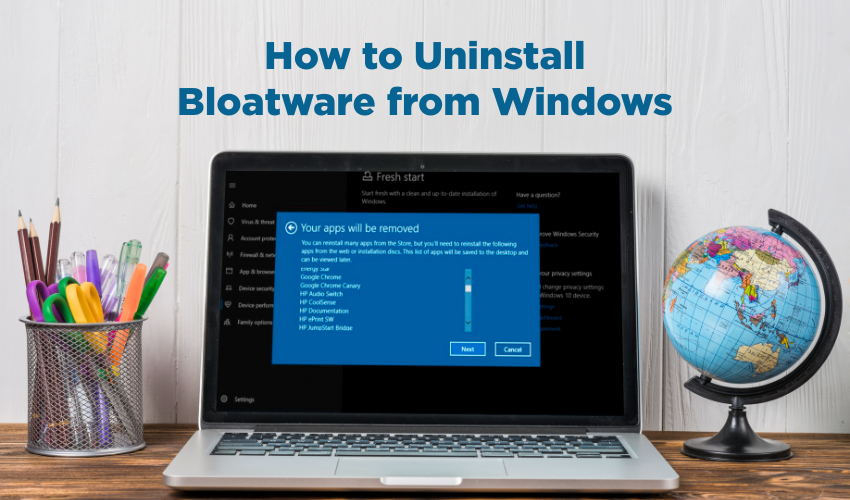
How to Uninstall Bloatware from Windows Windows computers often come with pre-installed software known as bloatware. These programs can slow down your system and take up unnecessary space. Learning how to remove bloat...
Learn more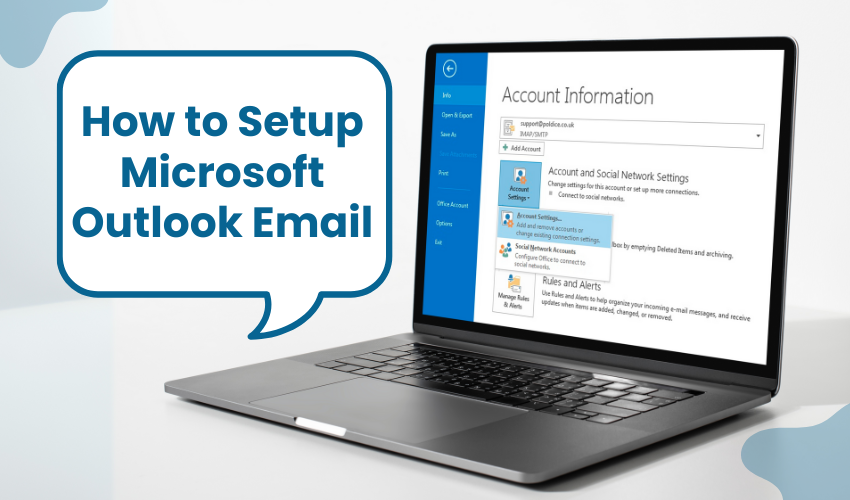
How to Setup Microsoft Outlook Email Microsoft Outlook is one of the best tools to manage your email, calendar, and contacts. If you are setting it up for the first time, knowing the right way to complete an Outlook s...
Learn more
How to Troubleshoot Software Not Opening When you click on a program and it does not open, it can be very frustrating. This guide will help you troubleshoot software that does not start. We will also show ways to fix ...
Learn more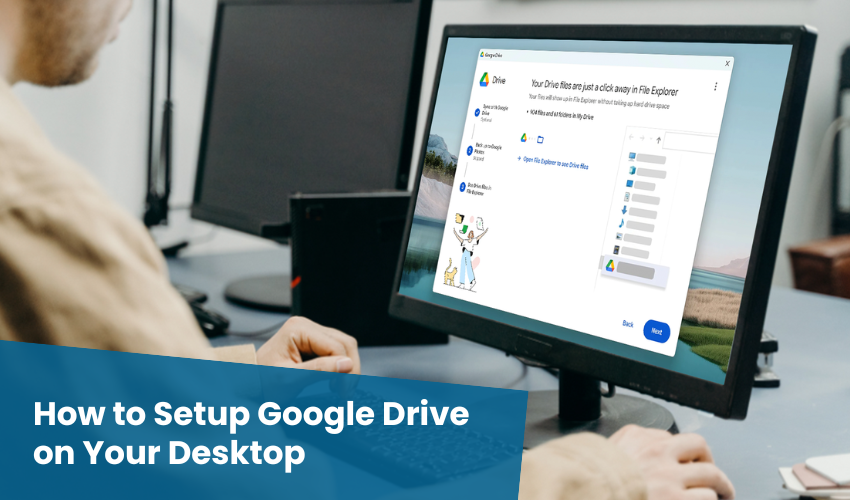
How to Setup Google Drive on Your Desktop In today’s world, we use many files every day—photos, videos, homework, or work documents. Keeping all of them safe and easy to reach is important. One of the best...
Learn more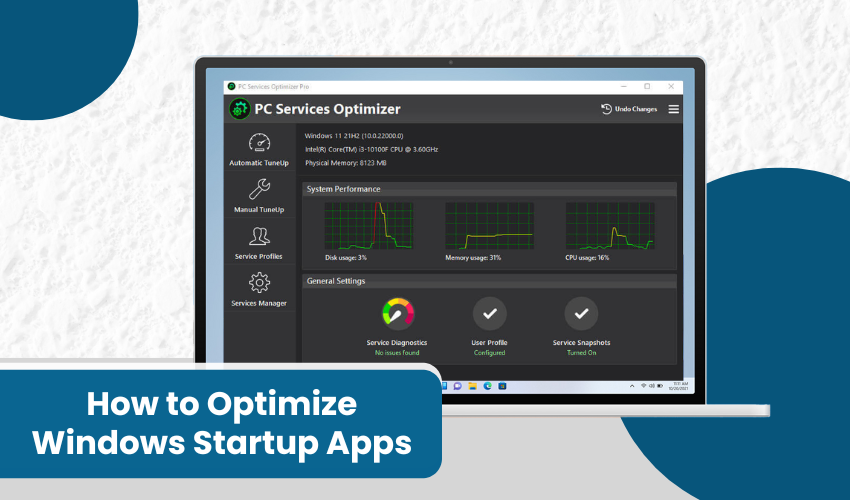
How to Optimize Windows Startup Apps When you turn on your computer, many programs start by themselves. These are called Windows startup apps. Sometimes, too many apps start at once. This can slow down your computer. ...
Learn more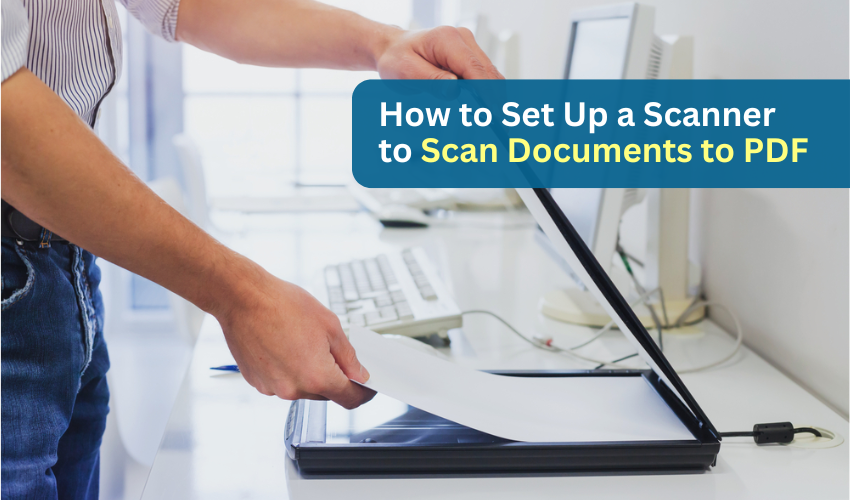
How to Set Up a Scanner to Scan Documents to PDF Stacks of paper can quickly pile up—bills, medical records, forms, or personal letters. Instead of letting them clutter your home or desk, you can scan them and s...
Learn more
How to Connect Your Camera to Your Computer (Simple Steps) If you want to move photos or videos from your camera to your computer, you need to connect the two devices. This may sound technical, but it’s actually...
Learn more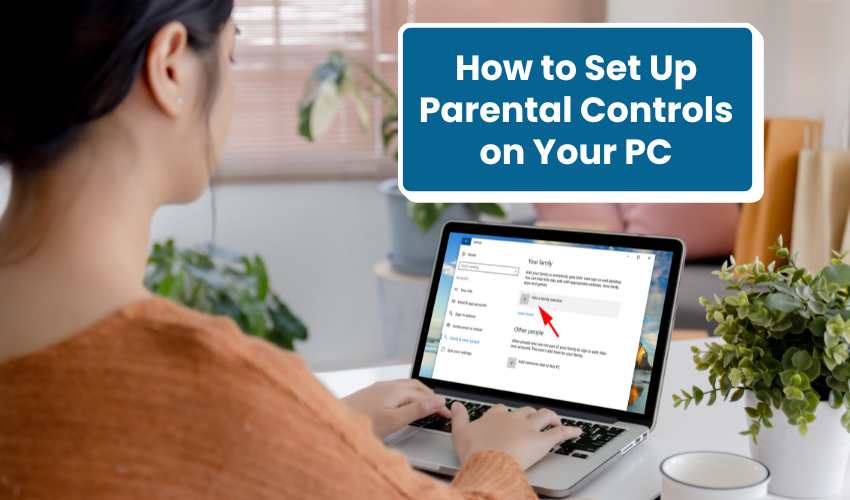
How to Set Up Parental Controls on Your PC Keeping your kids safe online is very important today. Children spend more time on computers, so parents must learn how to setup parental controls Windows. This DIY guide wil...
Learn more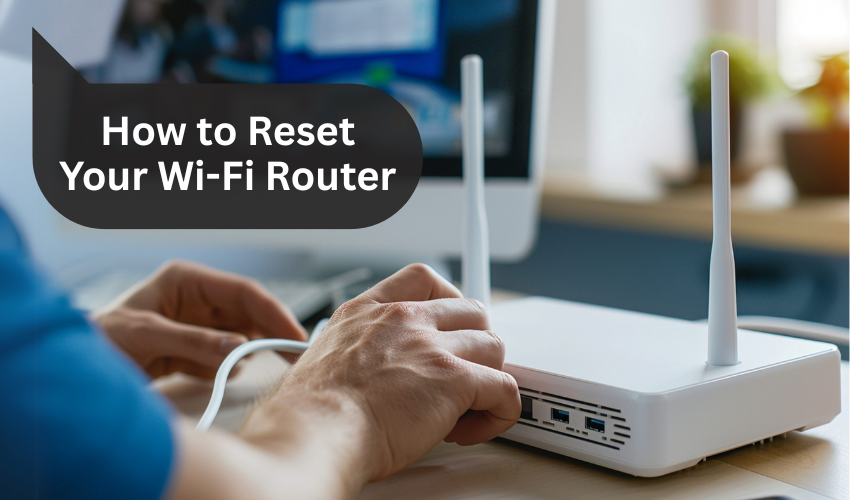
How to Reset Your Wi-Fi Router Having internet problems at home or in your office? Sometimes, the best solution is to reset your Wi-Fi router. This easy action can fix many common issues like slow internet, connection...
Learn more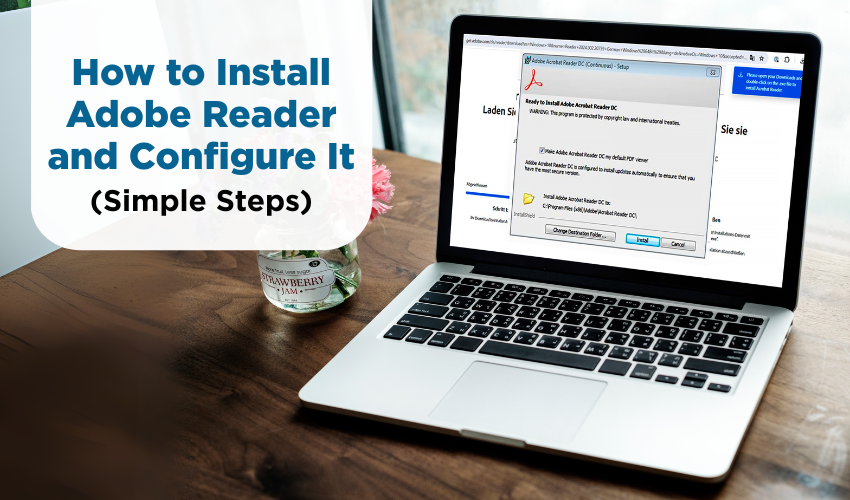
How to Install Adobe Reader and Configure It (Simple Steps) Adobe Reader is a free software used to open PDF (Portable Document Format) files. You might receive bills, bank statements, or instruction manuals in PDF fo...
Learn more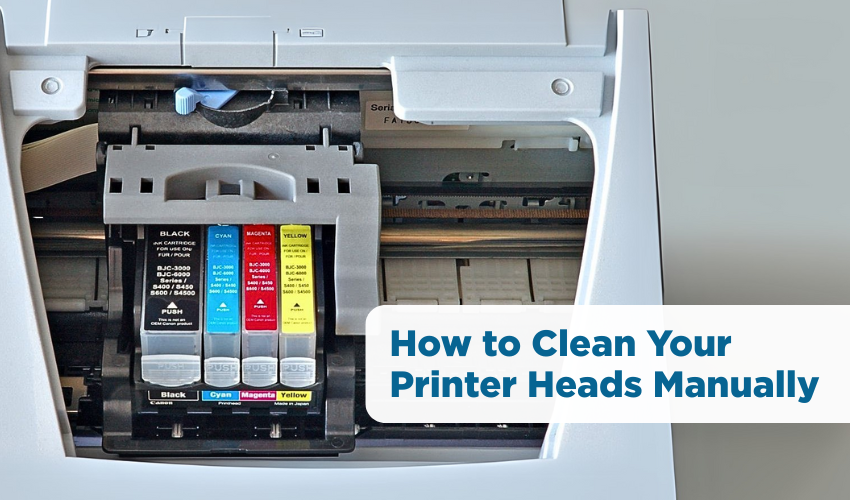
How to Clean Your Printer Heads Manually Have you noticed your printer ink not printing even though the cartridge is full? If your printed pages come out with missing lines, faded colors, or blank sections, your print...
Learn more
How to Fix Unresponsive Printers Is your printer not printing? Don’t worry! This guide will help you with an unresponsive printer fix using simple printer not working DIY steps. These tips are easy to follow, ev...
Learn more