
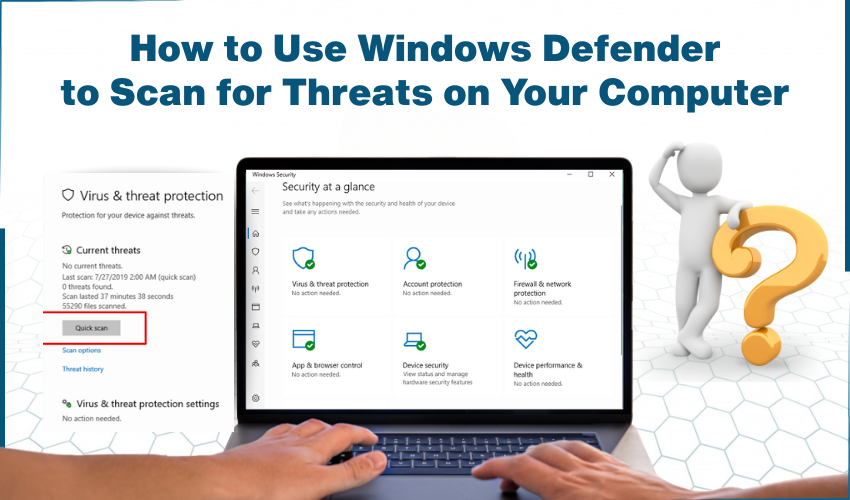
How to Use Windows Defender to Scan for Threats on Your Computer Your computer can get infected with viruses or other harmful programs that slow things down or put your personal information at risk. But don’t wo...
Learn more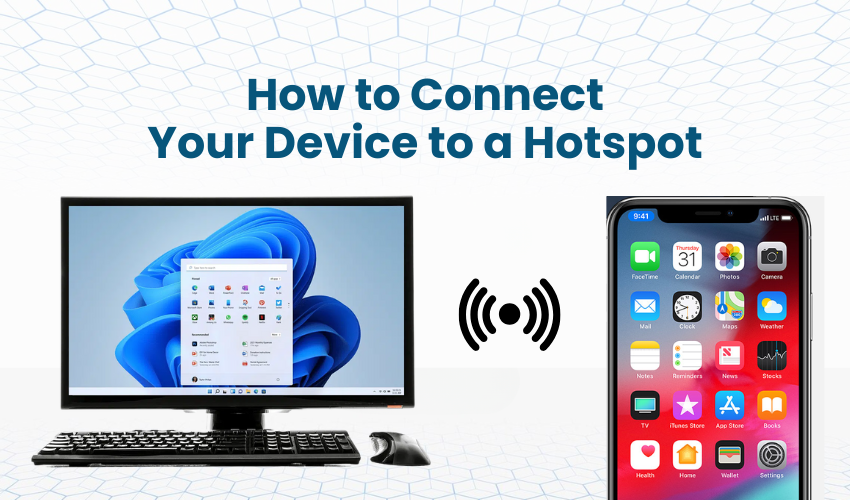
How to Connect Your Device to a Hotspot Whether you’re traveling, working remotely, or facing a Wi-Fi outage, using a mobile or Wi-Fi hotspot is a simple and effective way to remain online. This guide will walk ...
Learn more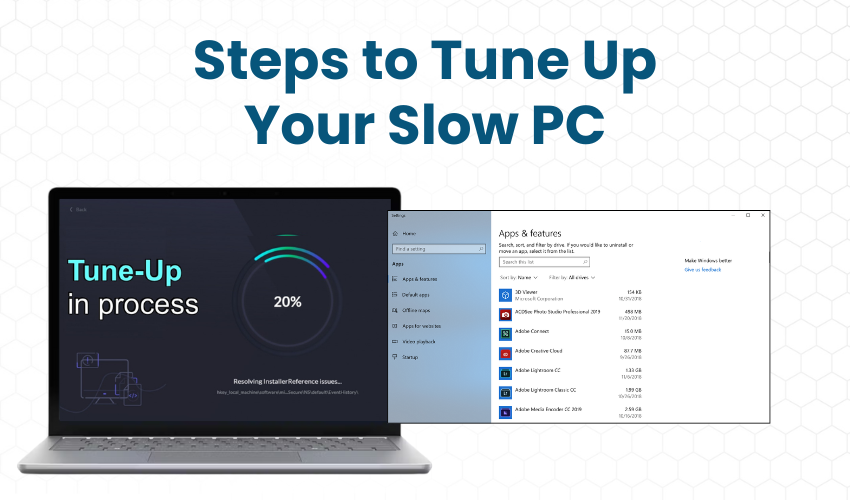
Steps to Tune Up Your Slow PC If your PC is performing slow, facing lag issues, and causing crashes, no need to worry! You can easily fix it yourself with these effective DIY computer tune-up tips. Here are simple ste...
Learn more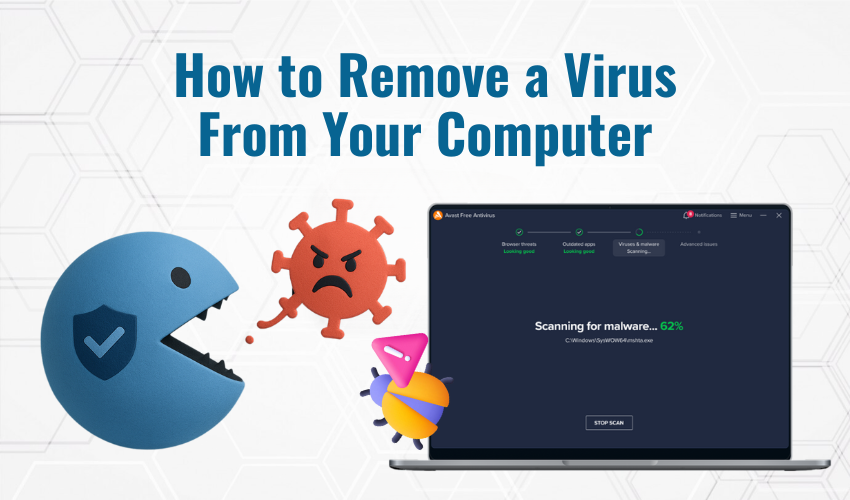
How to Remove a Virus From Your Computer If your computer has been infected with a virus, you don’t have to panic. While viruses can cause significant harm, there are many ways to protect your computer and fix t...
Learn more
How to Remove Malware Manually Malware is a malicious piece of software that can harm a PC and data stored on a PC. It can slow things down, steal your personal details, or even stop your PC from working. But don&rsqu...
Learn more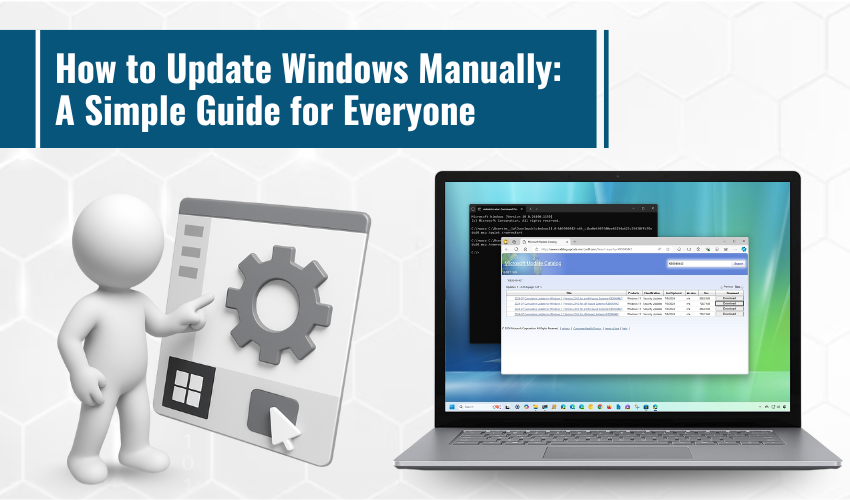
How to Update Windows Manually: A Simple Guide for Everyone Keeping your Windows computer up to date is important. Updates help your system run smoothly, stay secure, and fix small bugs that might cause problems. Whil...
Learn more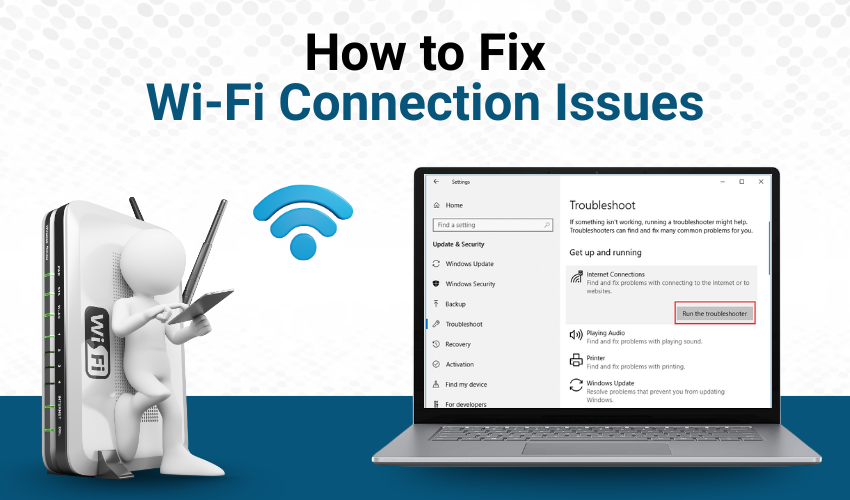
How to Fix Wi-Fi Connection Issues Wi-Fi is a wireless technology that helps us connect to the internet without cables. It has made online work, learning, and entertainment much easier. Wi-Fi may stop working or becom...
Learn more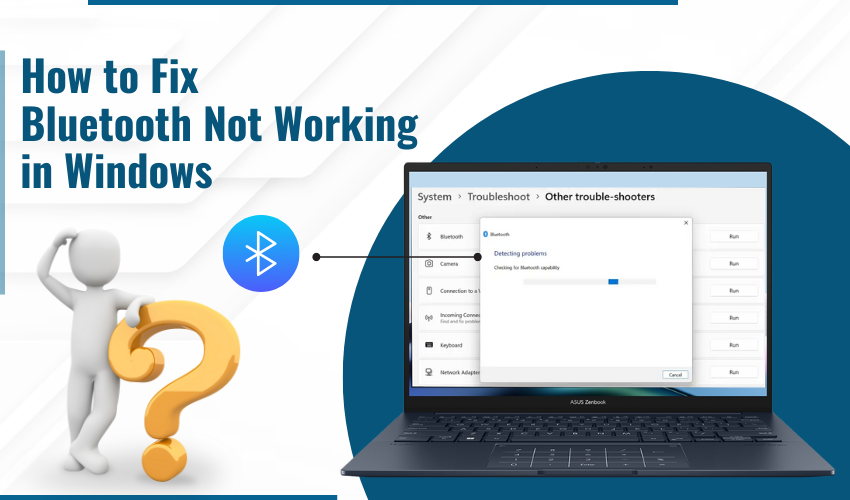
How to Fix Bluetooth Not Working in Windows Bluetooth is an excellent wireless technology which allows a computer, a phone, and any other devices to connect with no requirements of wire. It’s really useful for c...
Learn more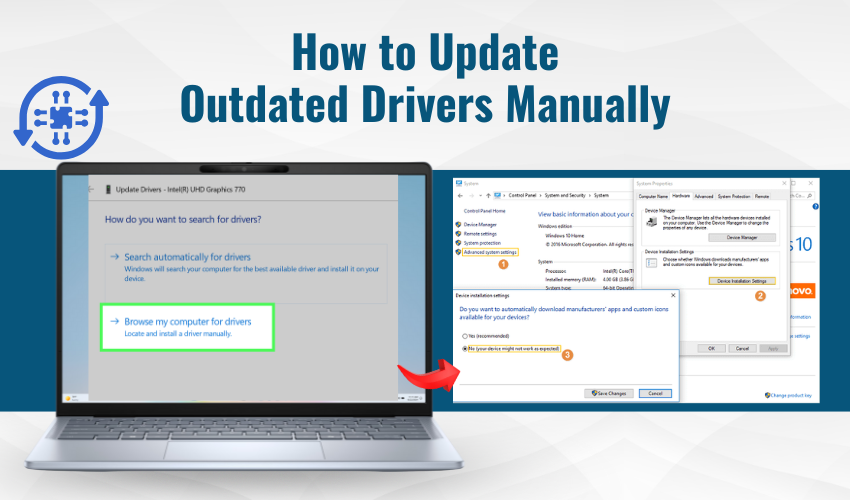
How to Update Outdated Drivers Manually Sometimes, your computer acts slow or something doesn’t work right. The reason might be outdated drivers. Drivers are like small programs that help your computer talk to o...
Learn more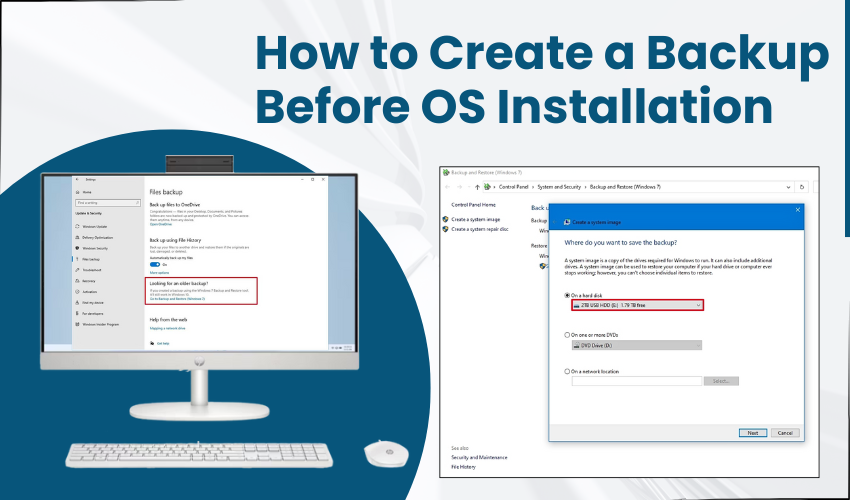
How to Create a Backup Before OS Installation Installing a new operating system can feel like a fresh start. But before you wipe your system and hit that "Install" button, there’s one thing you should ...
Learn more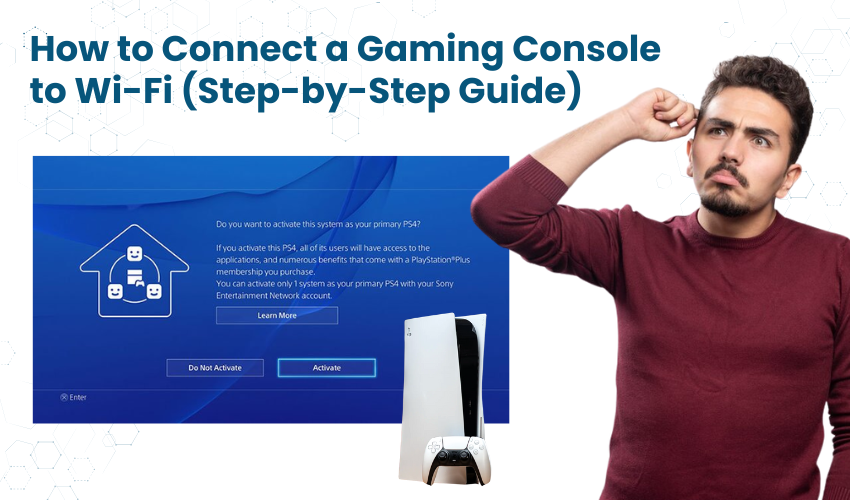
How to Connect a Gaming Console to Wi-Fi (Step-by-Step Guide) Gaming consoles are not just for kids anymore. Today, many adults and seniors enjoy playing games, watching movies, or connecting with family through onlin...
Learn more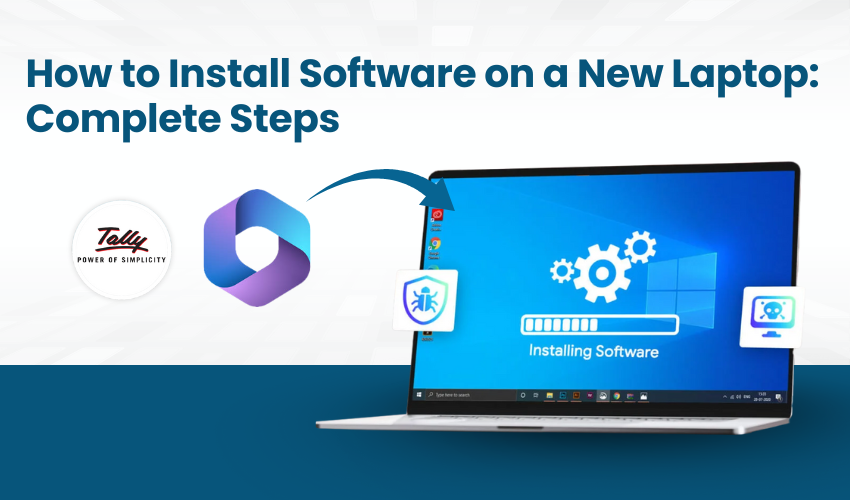
How to Install Software on a New Laptop: Complete Steps Installing software on a new laptop isn’t just about clicking "Next" a few times. It’s a process that requires attention to detail and a cl...
Learn more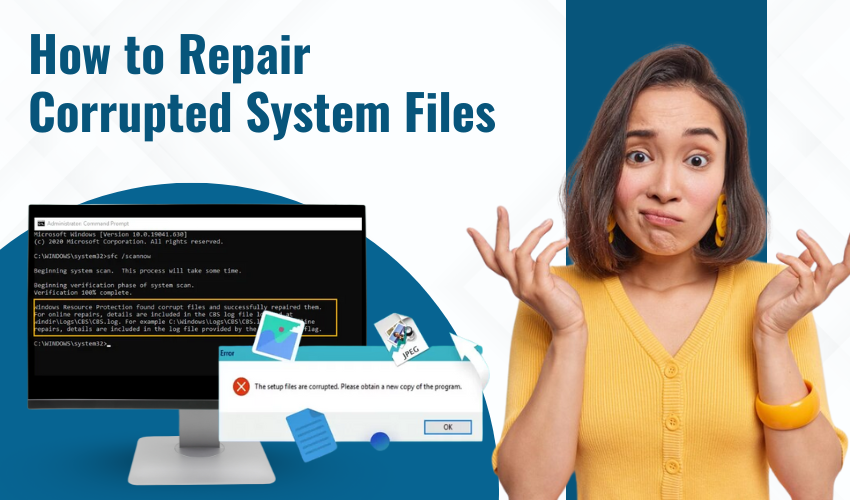
How to Repair Corrupted System Files Sometimes apps on your computer may crash, files won’t open, or it may run very slow and that too with glitches. This can happen when important system files are corrupted or ...
Learn more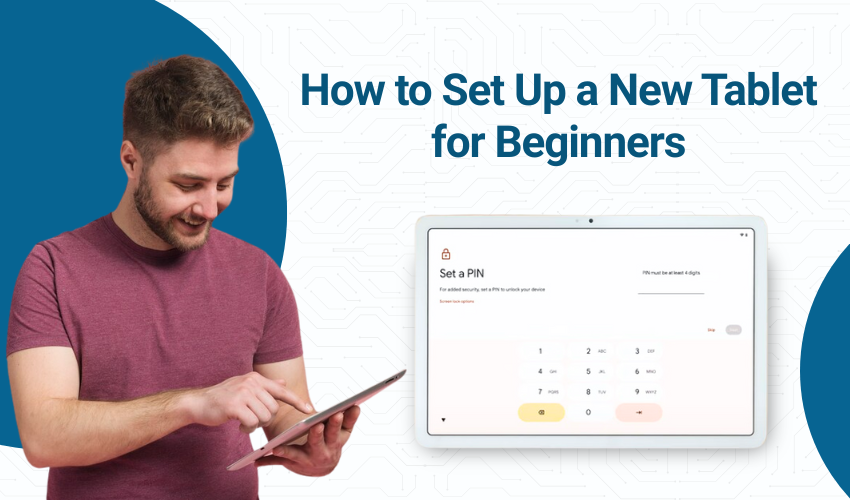
How to Set Up a New Tablet for Beginners Getting a new tablet is exciting. Whether you got it as a gift or bought it for yourself, a tablet can help you browse the internet, watch videos, read books, take photos, and ...
Learn more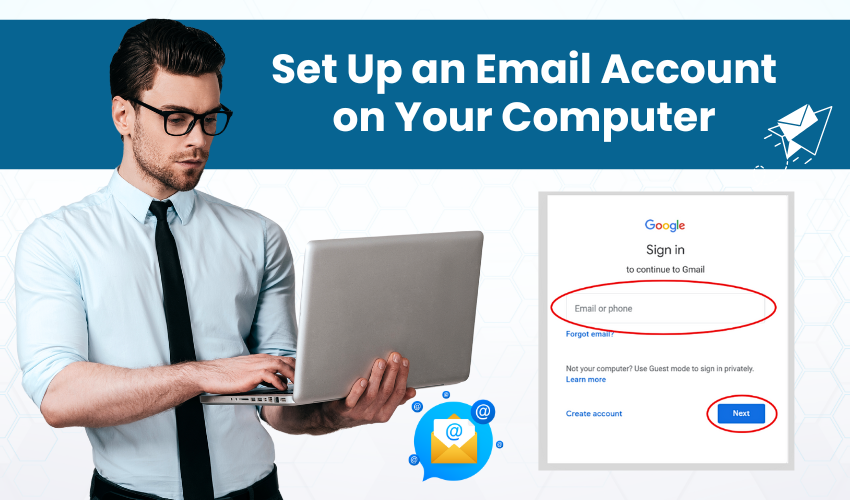
Set Up an Email Account on Your Computer Setting up of an email account on a computer is not difficult. You can do it by yourself. This is called DIY email configuration. Follow the easy steps provided below and you w...
Learn more