
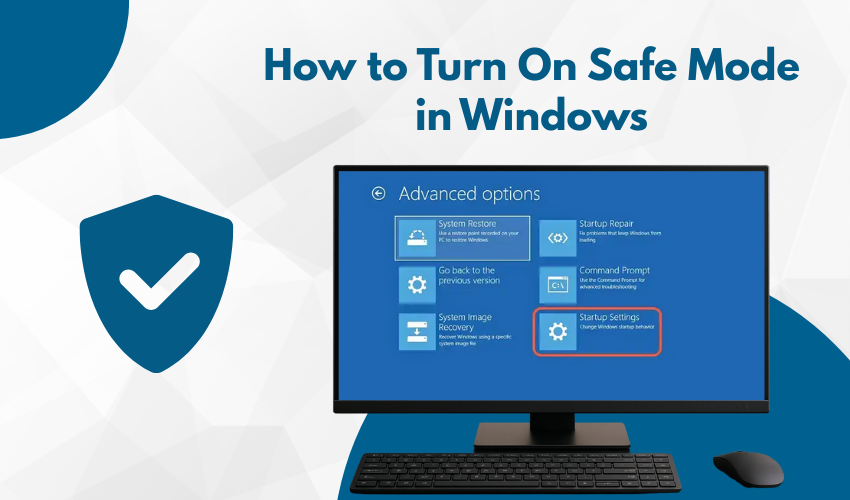
How to Turn On Safe Mode in Windows Safe Mode is a special way to start your PC when things go wrong. If your computer freezes, crashes, or acts weird, it helps to enter Safe Mode Windows to fix the problem. This mode...
Learn more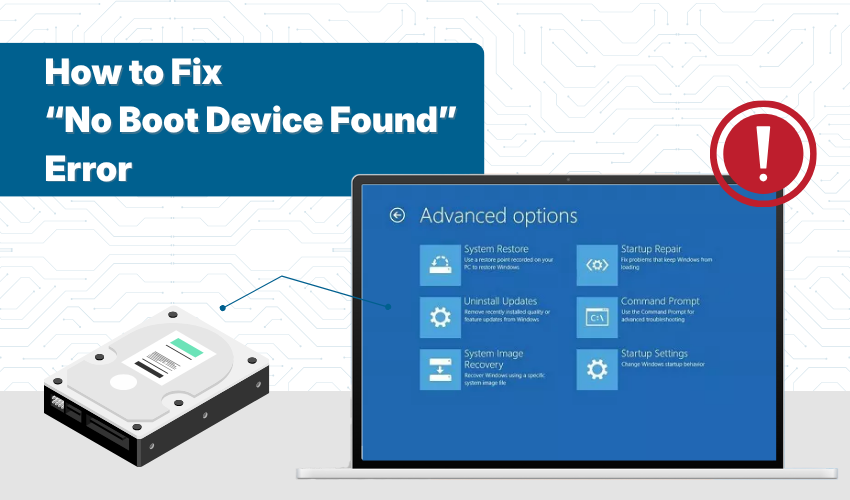
How to Fix “No Boot Device Found” Error If you turn on your computer and see a black screen with a message like “No Boot Device Found”, don’t panic. This usually means your computer can&r...
Learn more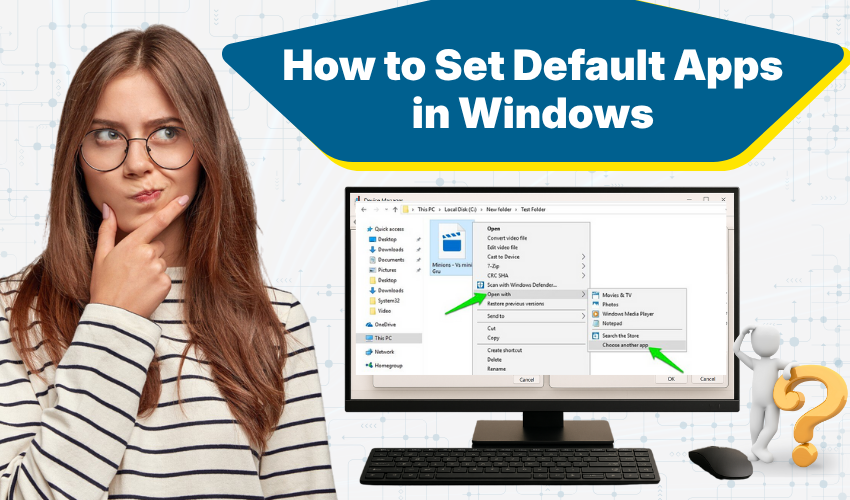
How to Set Default Apps in Windows When you open a file on your computer, Windows uses a default app to open it. You can change default apps if you prefer to use a different program. This guide will help you understan...
Learn more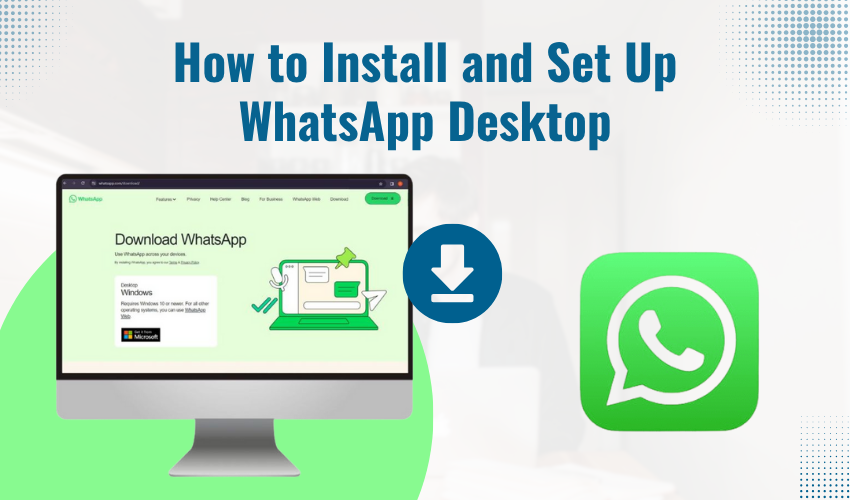
How to Install and Set Up WhatsApp Desktop WhatsApp is widely used on smartphones, but it’s also available for computers. If you spend a lot of time on your laptop or desktop, you can install WhatsApp Desktop to...
Learn more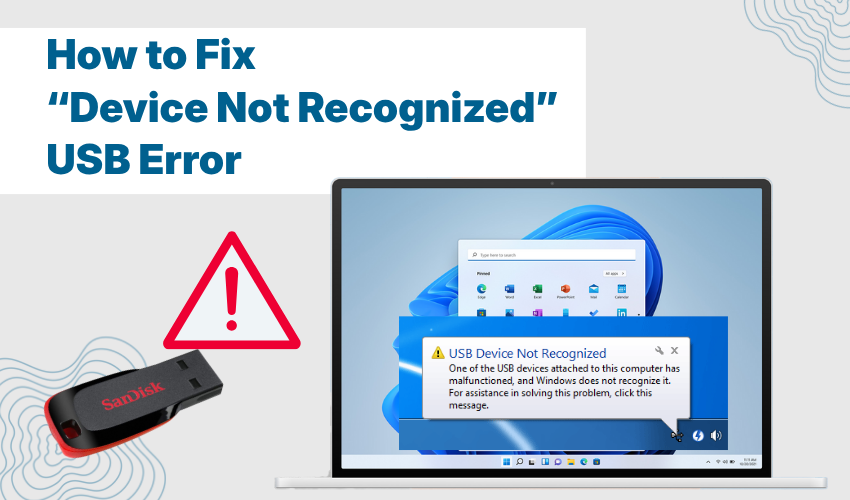
How to Fix “Device Not Recognized” USB Error Are you trying to connect your USB device but getting the “device not recognized” message? This is a common problem. Many users face this fix USB er...
Learn more
How to Install Media Codecs for Video Playback If video is not playing on your computer, or the sound is missing, it probably means your system is missing the right media codecs. A codec is a small software tool that ...
Learn more
How to Transfer Files Between Phone and Computer Transferring of files from a phone to a computer is easy when you know the right way. Many people look for phone to PC file transfer options that are quick and safe. Th...
Learn more
How to Block Unsafe Websites on Your Home Network Keeping your family safe online starts with protecting your home internet connection. One of the easiest ways to do that is by blocking access to harmful or unsafe web...
Learn more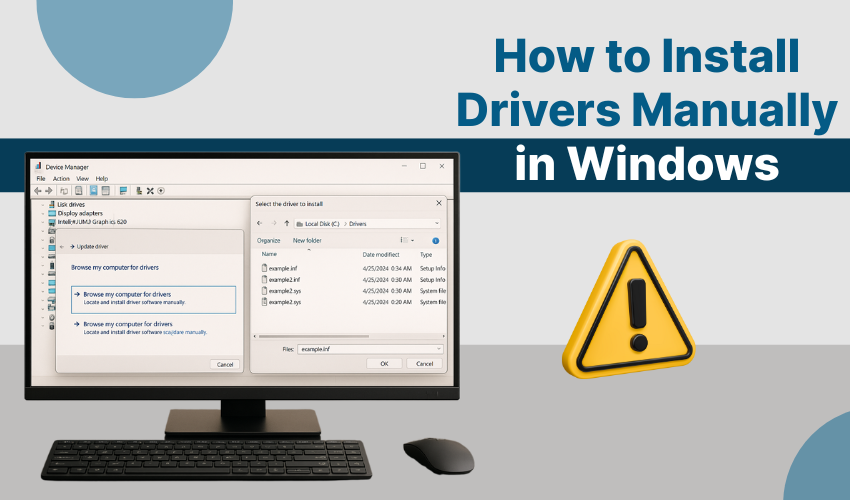
How to Install Drivers Manually in Windows Sometimes, Windows does not install the right driver for a device. When that happens, you need to try a manual driver install. This means you will install the driver by yours...
Learn more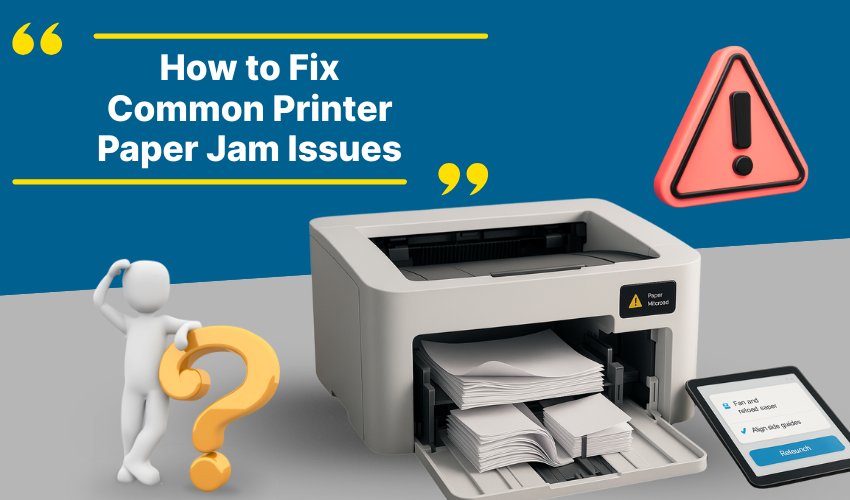
How to Fix Common Printer Paper Jam Issues Printers help us print papers at home, school, or office. But sometimes, a printer error can stop the work. One big problem is the paper jam. If you don’t know how to f...
Learn more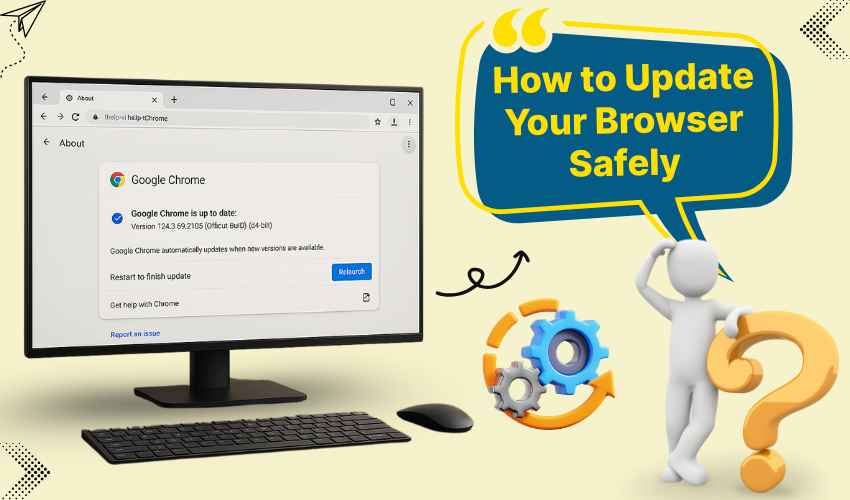
How to Update Your Browser Safely Updating your web browser is important. It keeps your computer safe and your browsing fast. If you use Chrome, Firefox, or Edge, you should always use the latest browser version. In t...
Learn more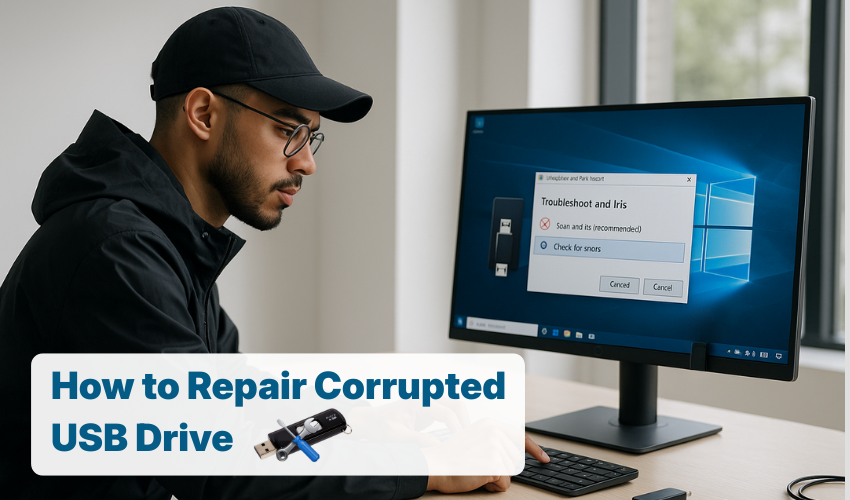
How to Repair Corrupted USB Drive USB drives are very useful for storing and transferring files. But sometimes, they can stop working. You may plug in your USB, and nothing happens. The computer shows no sign of detec...
Learn more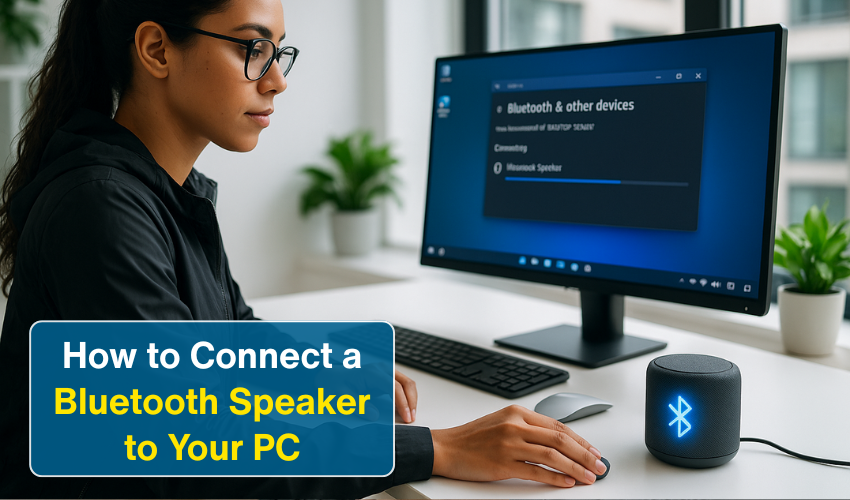
How to Connect a Bluetooth Speaker to Your PC Most enjoy listening to music or watching videos on their PC. But sometimes, the sound from a computer is not loud or clear enough. A Bluetooth speaker can fix this proble...
Learn more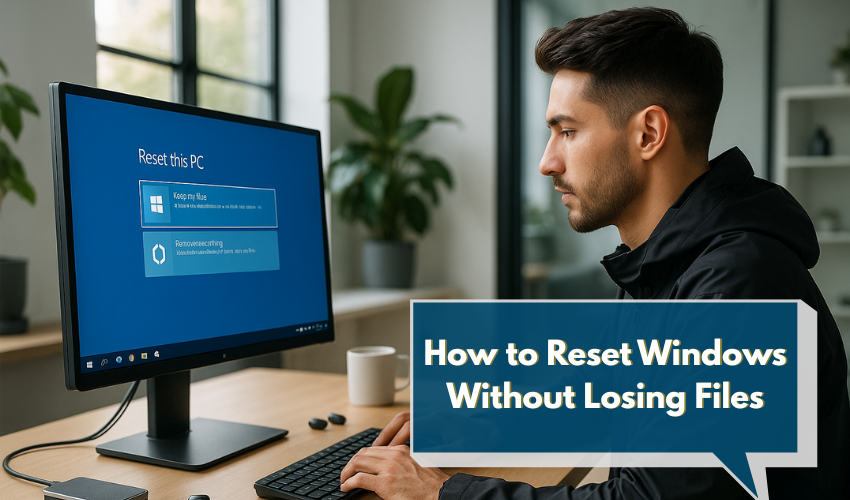
How to Reset Windows Without Losing Files Do you want to fix your computer but keep your personal files safe? You can do that using Windows recovery. It helps you reset Windows keep files without deleting your photos,...
Learn more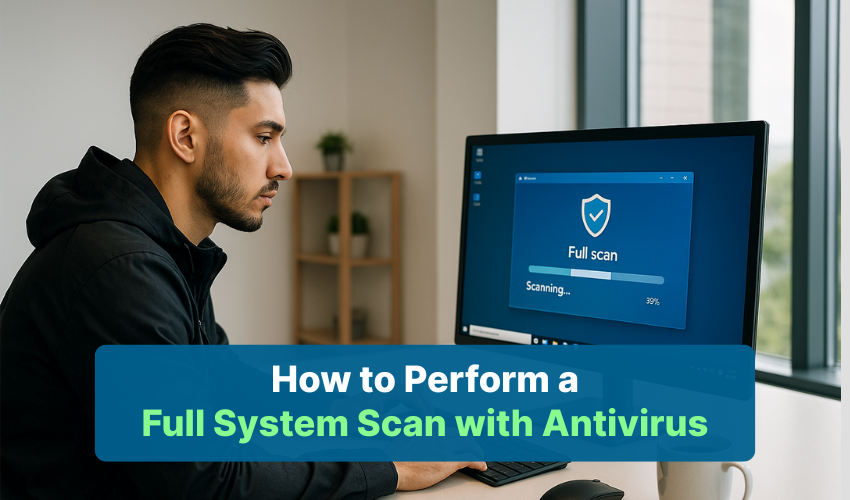
How to Perform a Full System Scan with Antivirus Keeping a computer digitally safe is very important. One of the best ways to do that is by doing a full system scan Windows. This type of scan checks all the files on y...
Learn more