
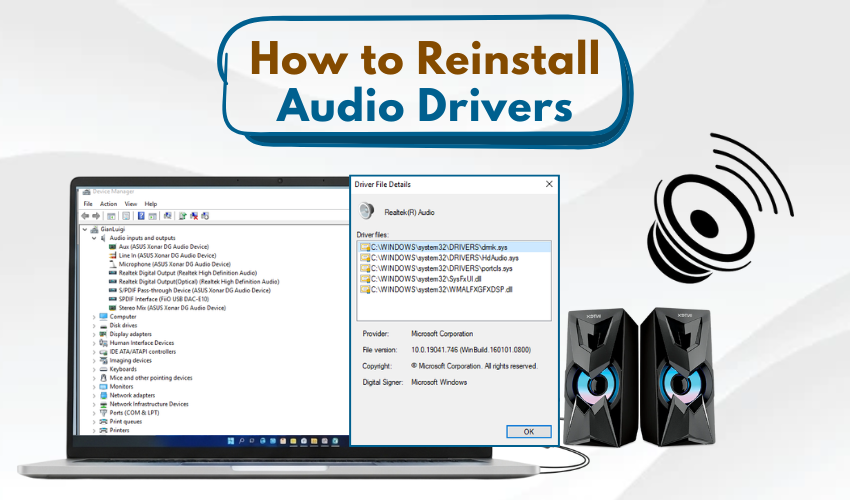
How to Reinstall Audio Drivers When your computer has no sound, it can be annoying. One common reason is that your audio drivers may be missing, broken, or not working right. You don’t need to worry, though. Thi...
Learn more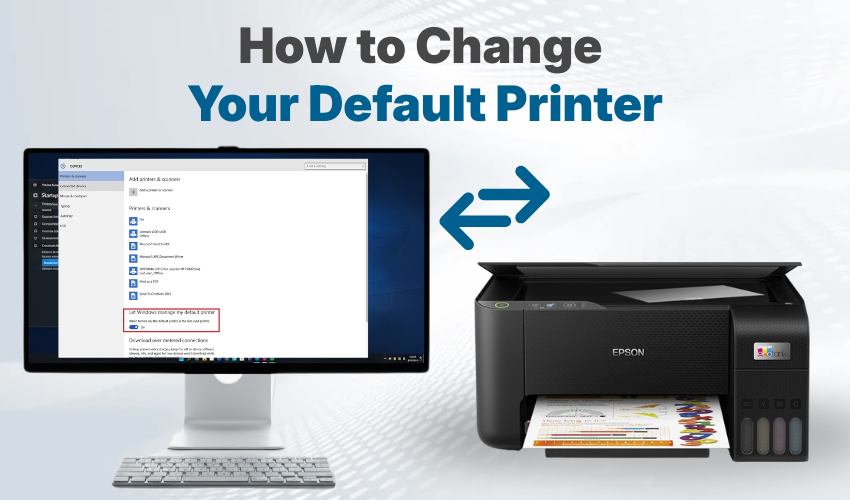
How to Change Your Default Printer Changing your default printer in Windows is easy once you know where to look. If you use more than one printer, setting the right one as your default helps save time. The default pri...
Learn more
How to Schedule Automatic Backups in Windows Losing files from your computer can feel like losing something important. But you can stop that from happening. You just need to setup Windows Backup and use it to auto bac...
Learn more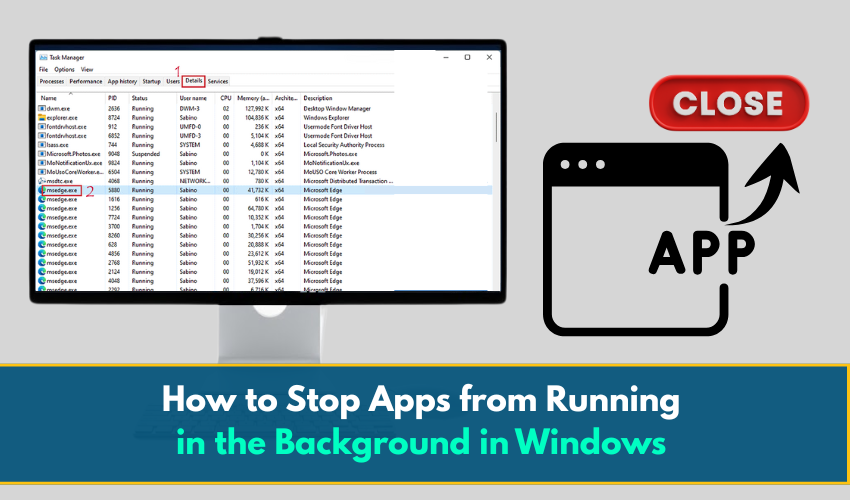
How to Stop Apps from Running in the Background in Windows Many apps on your Windows computer continue running even after you close them. These background apps can slow down your system, use internet data, and drain t...
Learn more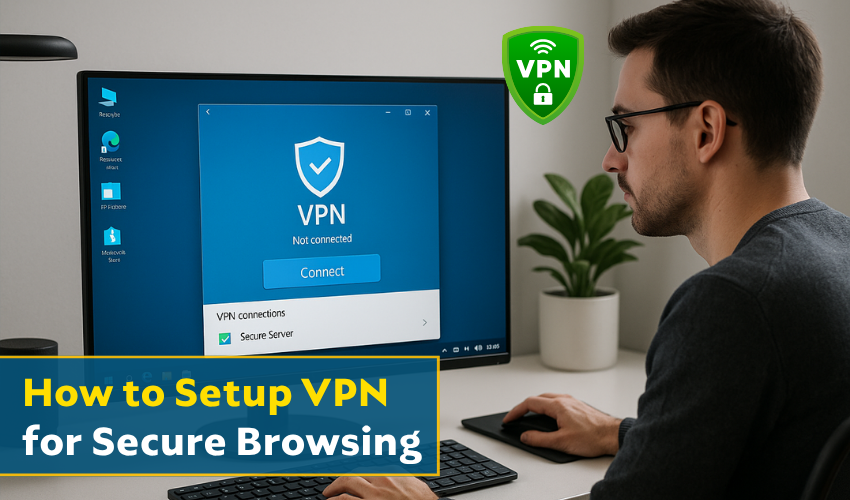
How to Setup VPN for Secure Browsing Staying safe on the internet has become more important than ever. Many people search for ways to protect their data while they browse websites. One easy method is using a VPN setup...
Learn more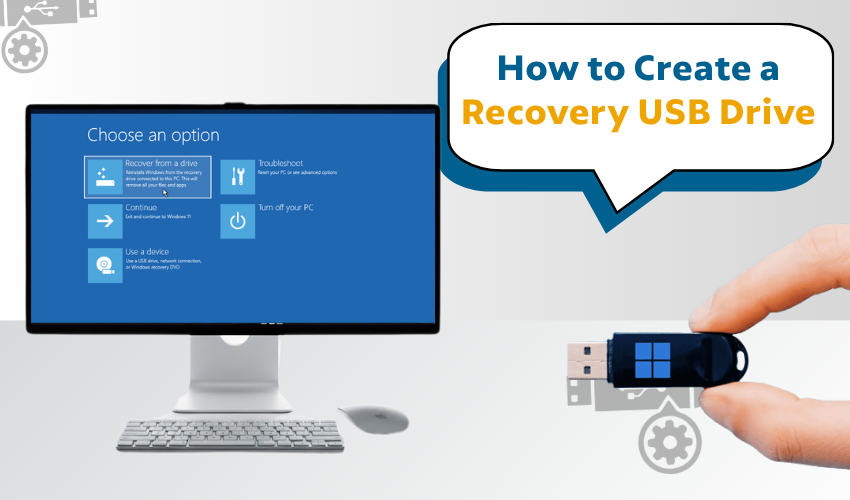
How to Create a Recovery USB Drive Creating a recovery USB drive is one of the smartest things to do for your computer. It helps when your system stops working or has a serious problem. This guide will show you how to...
Learn more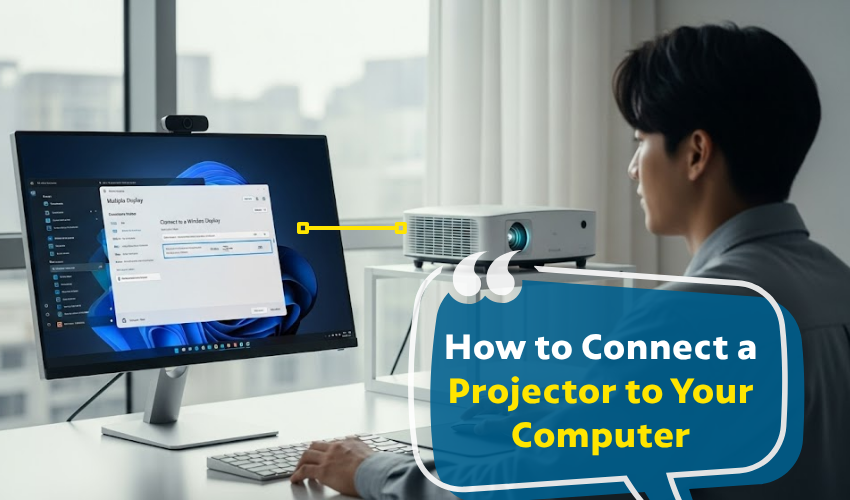
How to Connect a Projector to Your Computer Connecting a projector to your computer can help with presentations, movie nights, or classroom use. You don’t need to be a tech expert to do it. This external display...
Learn more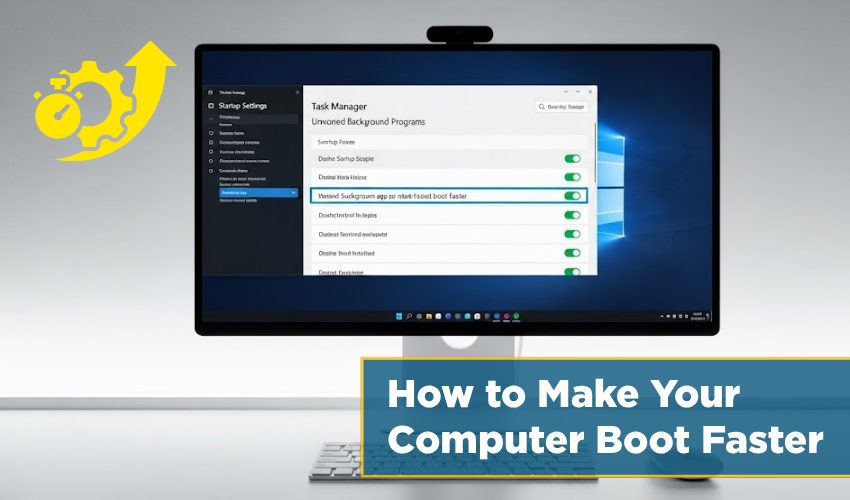
How to Make Your Computer Boot Faster Nobody likes waiting too long for a computer to start. A slow boot can waste time and test your patience. But don’t worry—there are ways to improve boot time Windows a...
Learn more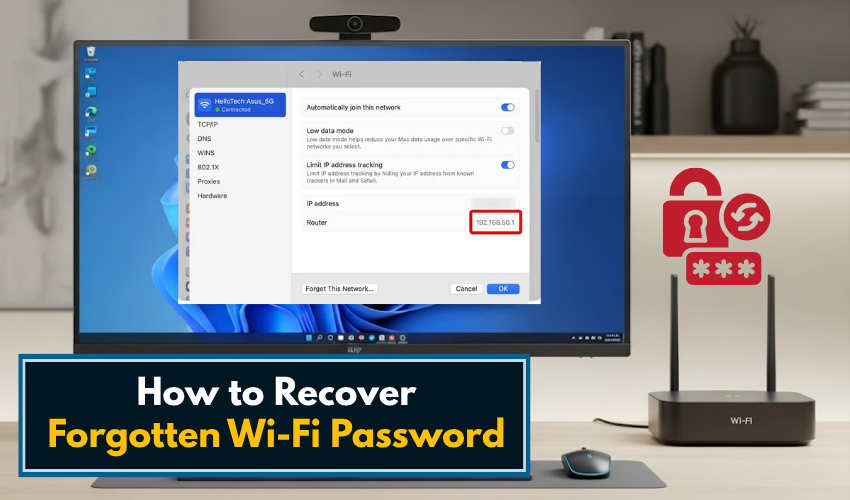
How to Recover Forgotten Wi-Fi Password If you're trying to connect a new device to your home Wi-Fi but can’t remember the password, don’t worry. Most people forget their Wi-Fi password at some point. ...
Learn more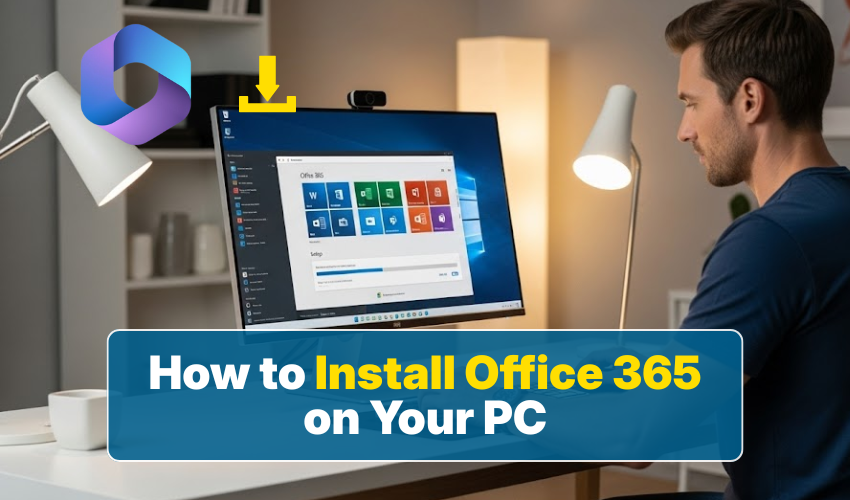
How to Install Office 365 on Your PC Installing Office 365 on your PC is not hard if you follow the right steps. Whether you are a student or working from home, knowing how to install Microsoft Office and setup Word E...
Learn more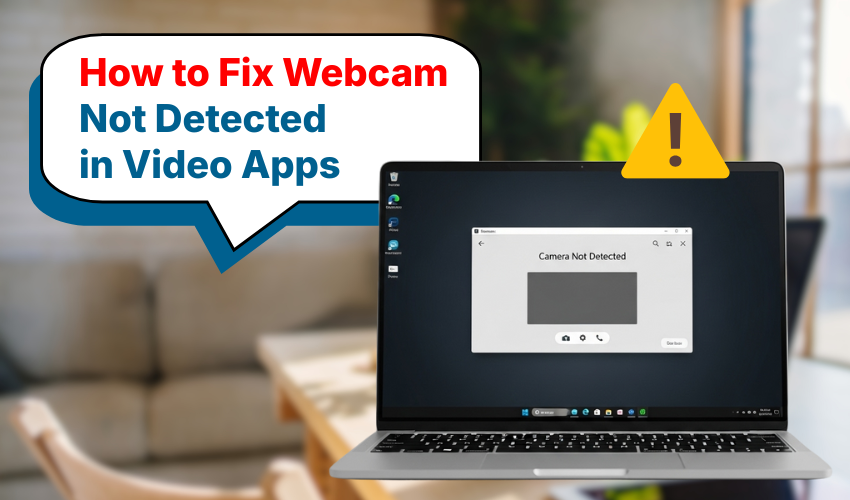
How to Fix Webcam Not Detected in Video Apps Sometimes your webcam does not show in video calls or meetings. This can happen due to settings, drivers, or app issues. Whether your camera is not working or it just won&r...
Learn more
How to Scan Documents Directly to Email Sending important paperwork no longer needs a trip to the post office or courier service. Today, you can scan documents directly to email within minutes. Whether it’s a fo...
Learn more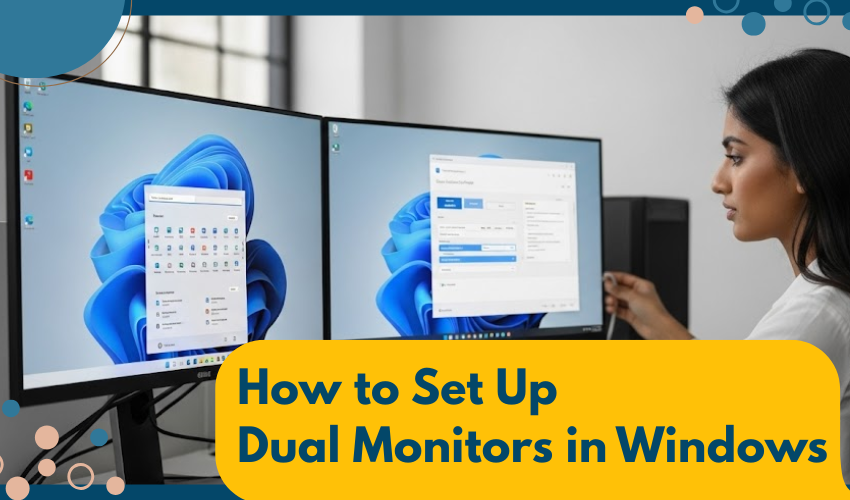
How to Set Up Dual Monitors in Windows Using two screens can make your work easier. A dual monitor setup Windows style gives you more space to do things. You can open two apps, play games, or watch videos while workin...
Learn more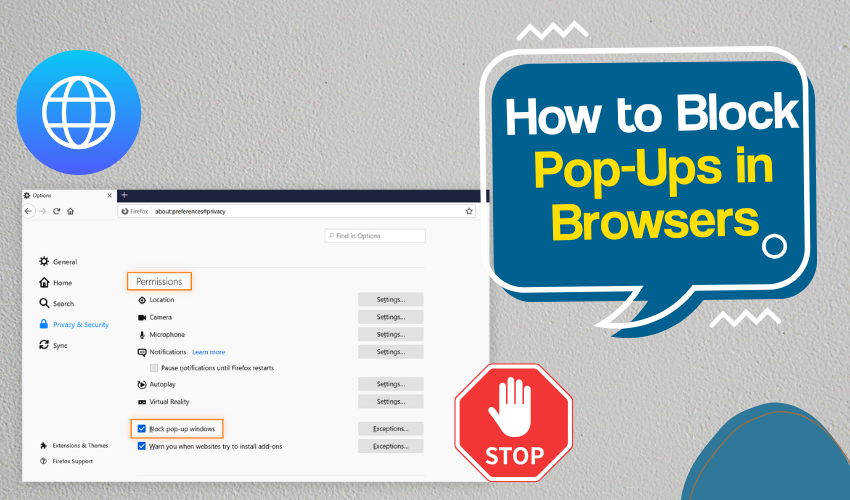
How to Block Pop-Ups in Browsers Pop-up ads are annoying. They can mess up your screen, slow down your computer, or trick you into clicking on things you don’t want. Learning how to stop popups in Chrome and imp...
Learn more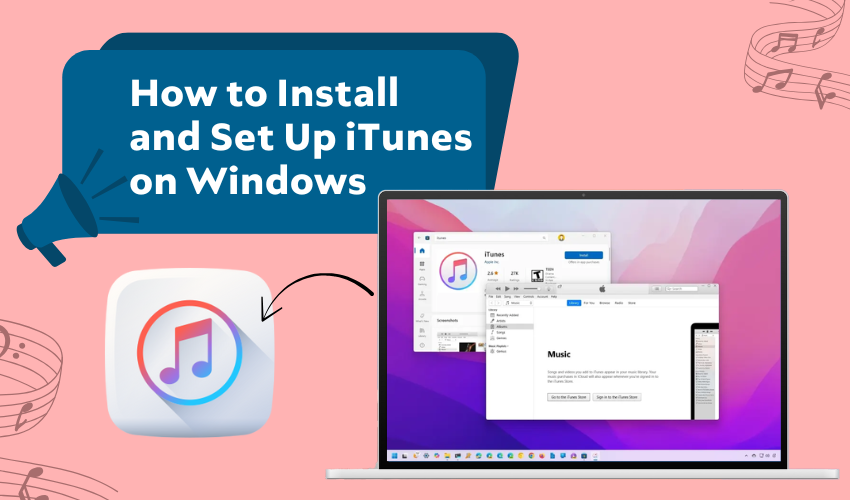
How to Install and Set Up iTunes on Windows You don’t need a Mac to enjoy Apple’s ecosystem. If you use an iPhone but work on a Windows computer, having iTunes on your PC makes life easier. With iTunes ins...
Learn more